Sprite Sheet Auto-Split
Automate cutting a sprite sheet into individual frames for game engines.
This guide shows how to take a packed sprite sheet and split it into usable frames with an automated workflow — less manual cropping, more consistent exports.
Step 1: Inspect the sheet
Start with a clear sheet: even frame size, consistent padding, and a transparent background when possible. Confirm rows, columns, and frame dimensions before you run any splitter.
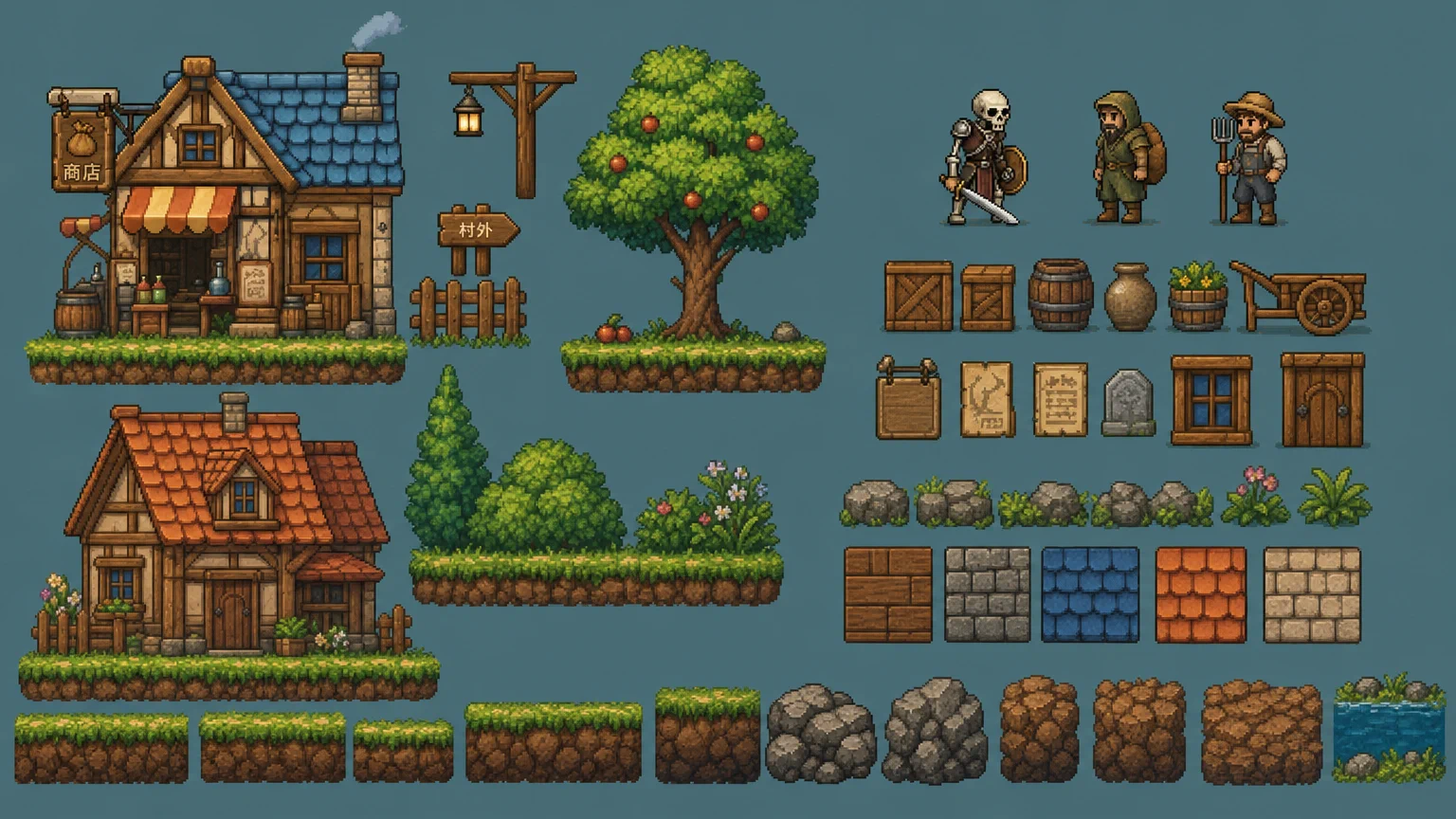
Step 2: Configure the splitter
Point your tool at the sheet and set frame width/height (or grid rows × columns). Match the layout you measured in step 1 so each cell maps to one animation frame.
Step 3: Export frames
Run the split and write frames to a numbered sequence (for example walk_01.webp, walk_02.webp). Import the sequence into Godot, Unity, or your engine’s animation importer.
You now have discrete frames from one sheet, ready for animation clips and atlases.